
Upstream SO-ARM100 guide
SO-101 Wrist Camera Mount
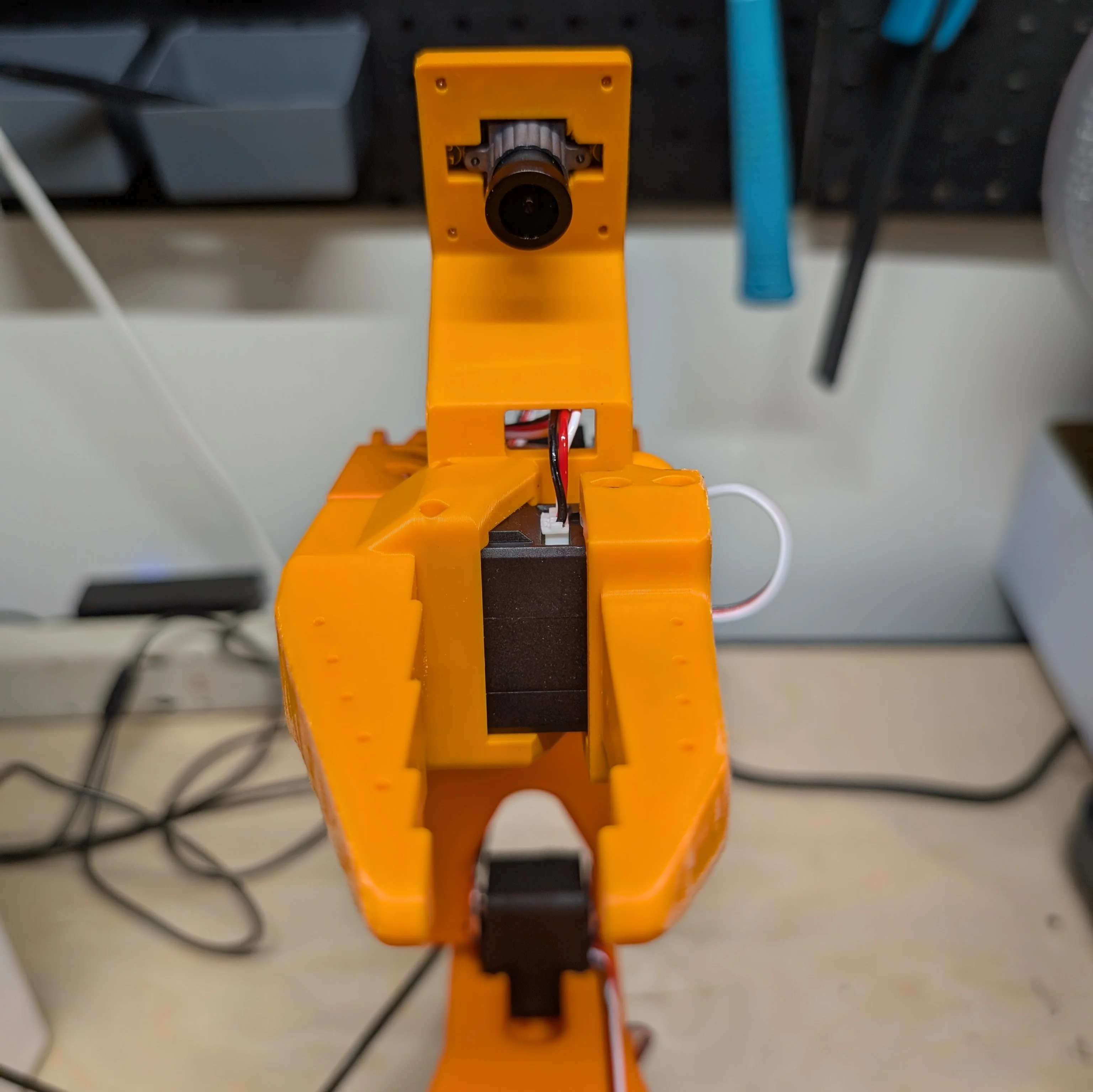
Integrated wrist-camera installation for an SO-100 / SO-101 follower arm and a 32 × 32 mm USB camera module.
Original GitHub guide →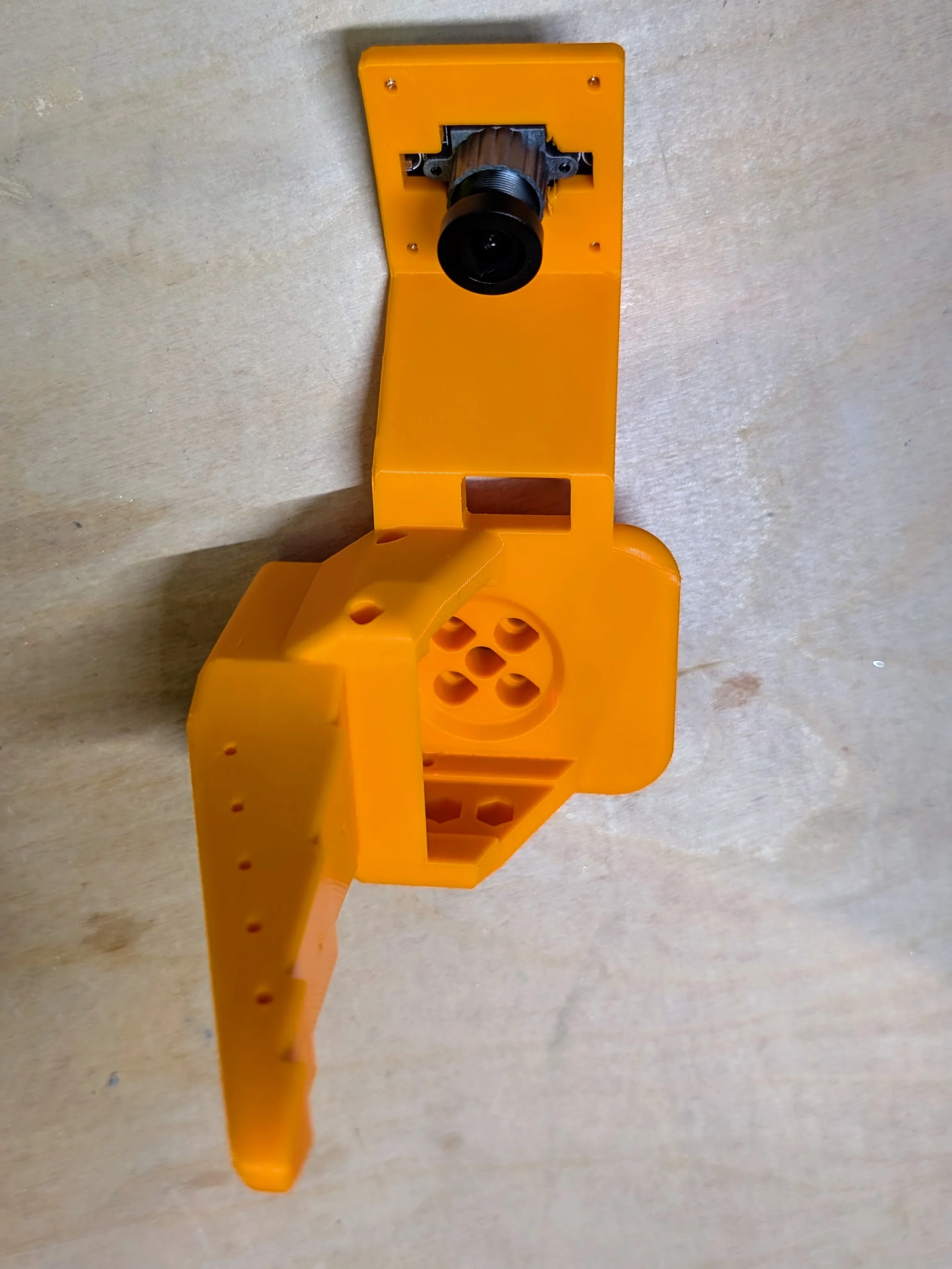
Overview
This one-piece design replaces the follower wrist-roll part. It is smaller, uses fewer parts, and needs no extra hardware to attach the camera; unlike an add-on, it requires replacing the existing wrist roll.
Required components
- One 32 × 32 mm USB camera module; upstream recommends at least 720p / 30 fps.
- One printed SO-101 wrist-roll camera-mount replacement.
- Four M2 screws from the Feetech servo hardware.
1. Replace the wrist roll
- Leave the moving jaw attached if it is already installed. Remove the gripper servo from the current wrist roll by removing its six M3 screws and gently pulling the motor out.
- Remove the four remaining M3 screws holding the wrist roll to the next servo.
- Print the camera-mount replacement and reinstall it by reversing that removal sequence.
2. Install the camera
- Align the camera module’s four holes with the replacement part.
- Secure it with the four M2 screws.
3. Configure video and focus
- Start at 640 × 480 and 30 FPS to avoid unnecessary data volume.
- Power the arm and inspect the live feed; on macOS, QuickTime’s New Movie Recording can show it.
- The lens uses manual focus. Turn it gently until the picture is clear.
Attribution
Adapted from the SO-ARM100 optional camera-mount guides by Conor McGartholl and Philip Fung. The SO-ARM100 repository is licensed Apache-2.0. RobotEd is independent of the original authors.