
Upstream SO-ARM100 guide
SO-101 Overhead Camera Tower
A 32 × 32 mm camera-module tower that gives one or two SO-101 follower arms a consistent overhead workspace view.
Original GitHub guide →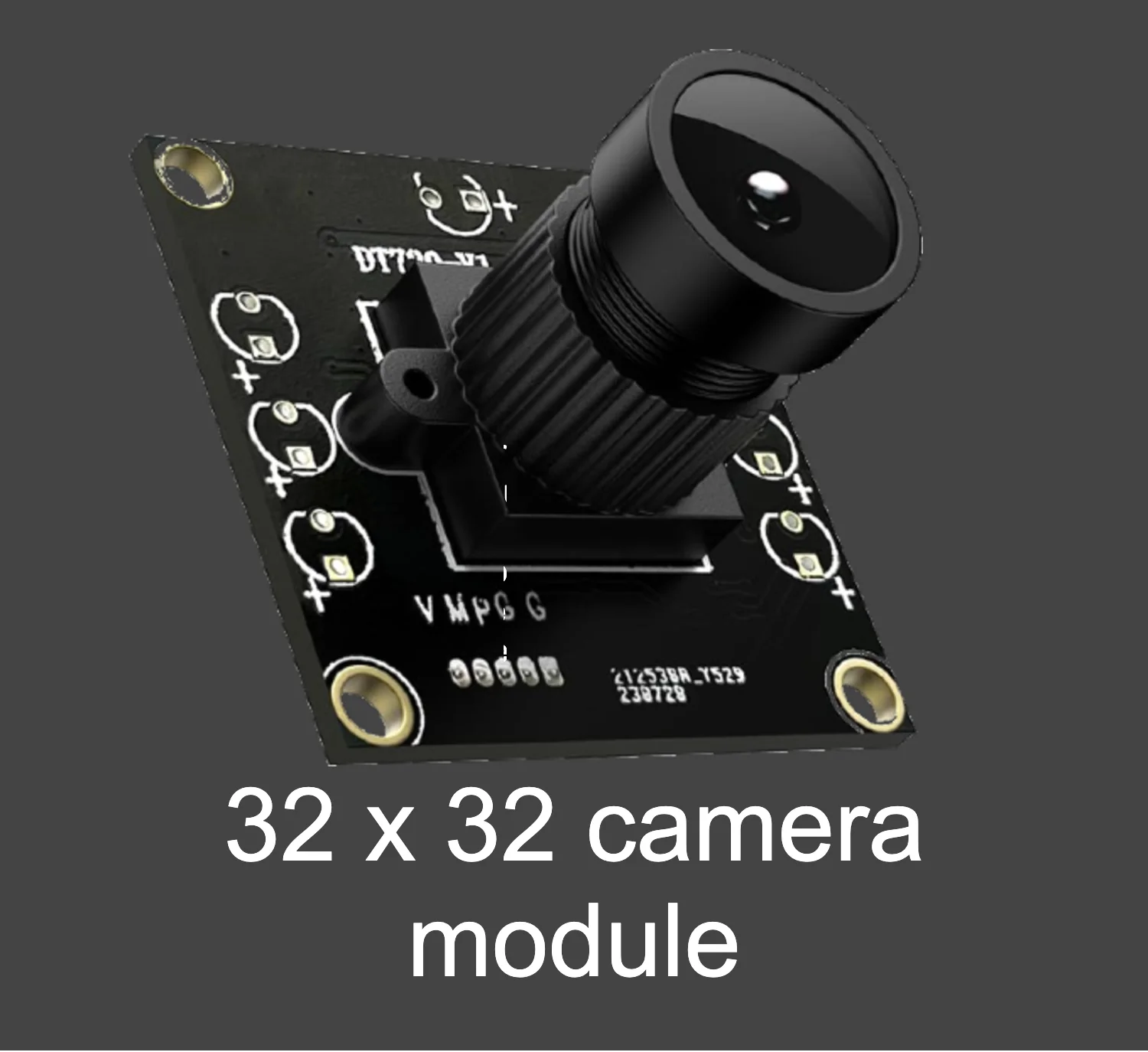
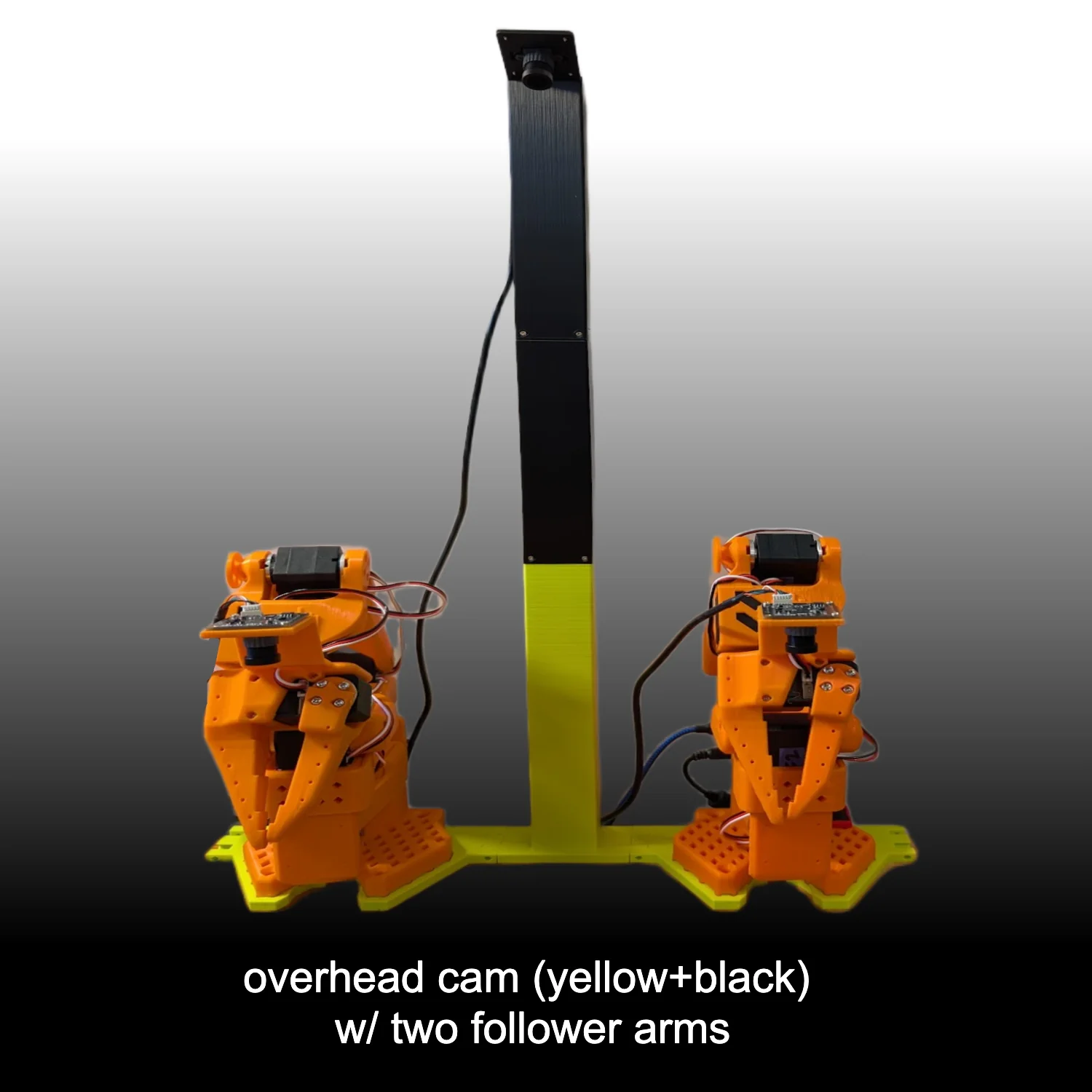
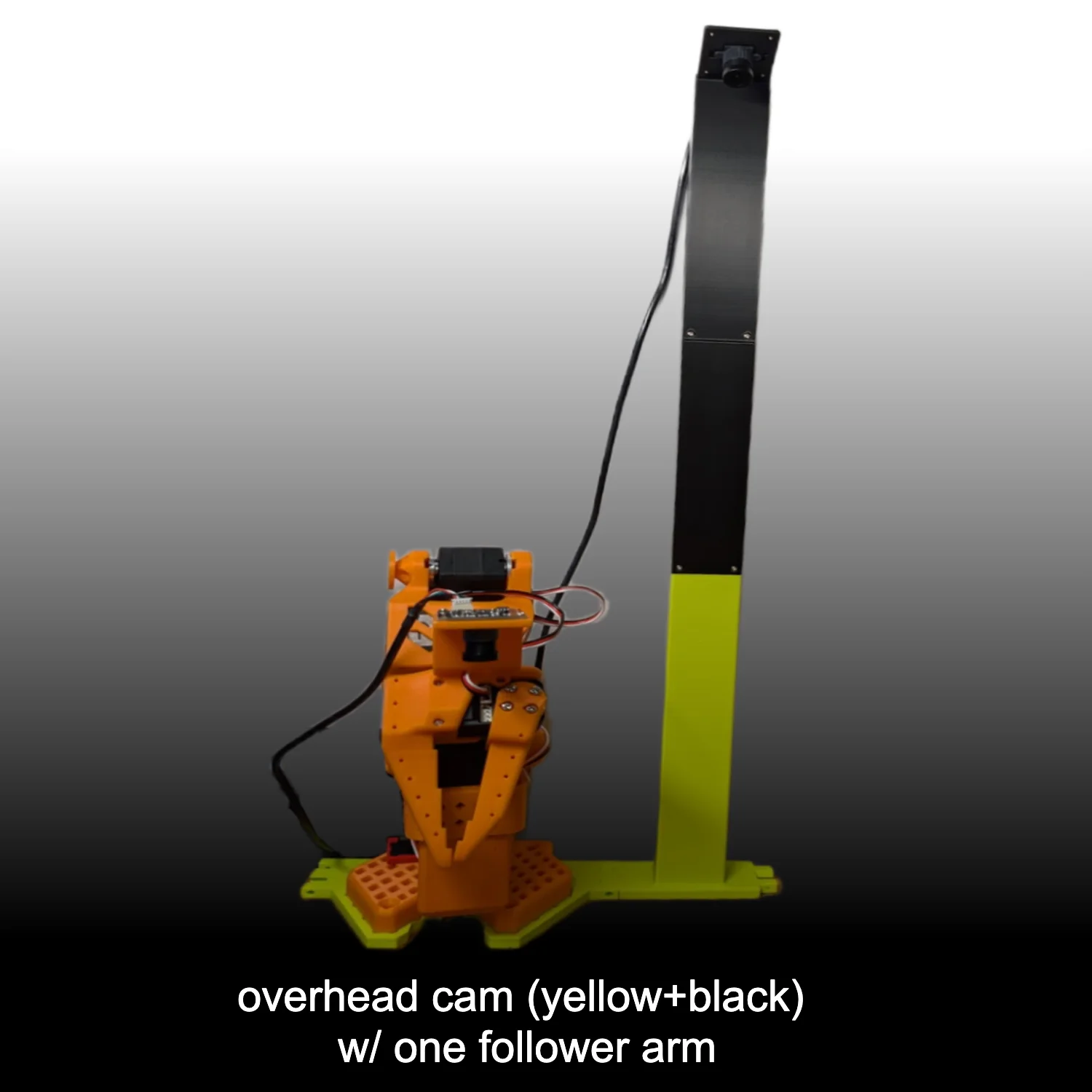
Design goals
- Consistent camera placement and arm spacing for comparable data.
- A view covering the full manipulation space.
- Support for one-follower and two-follower setups.
Required components
- One 32 × 32 mm camera module.
- Arm Base (one per follower), Camera Mount Bottom, Middle and Top.
- Sixteen M2 screws.
Assemble the camera tower
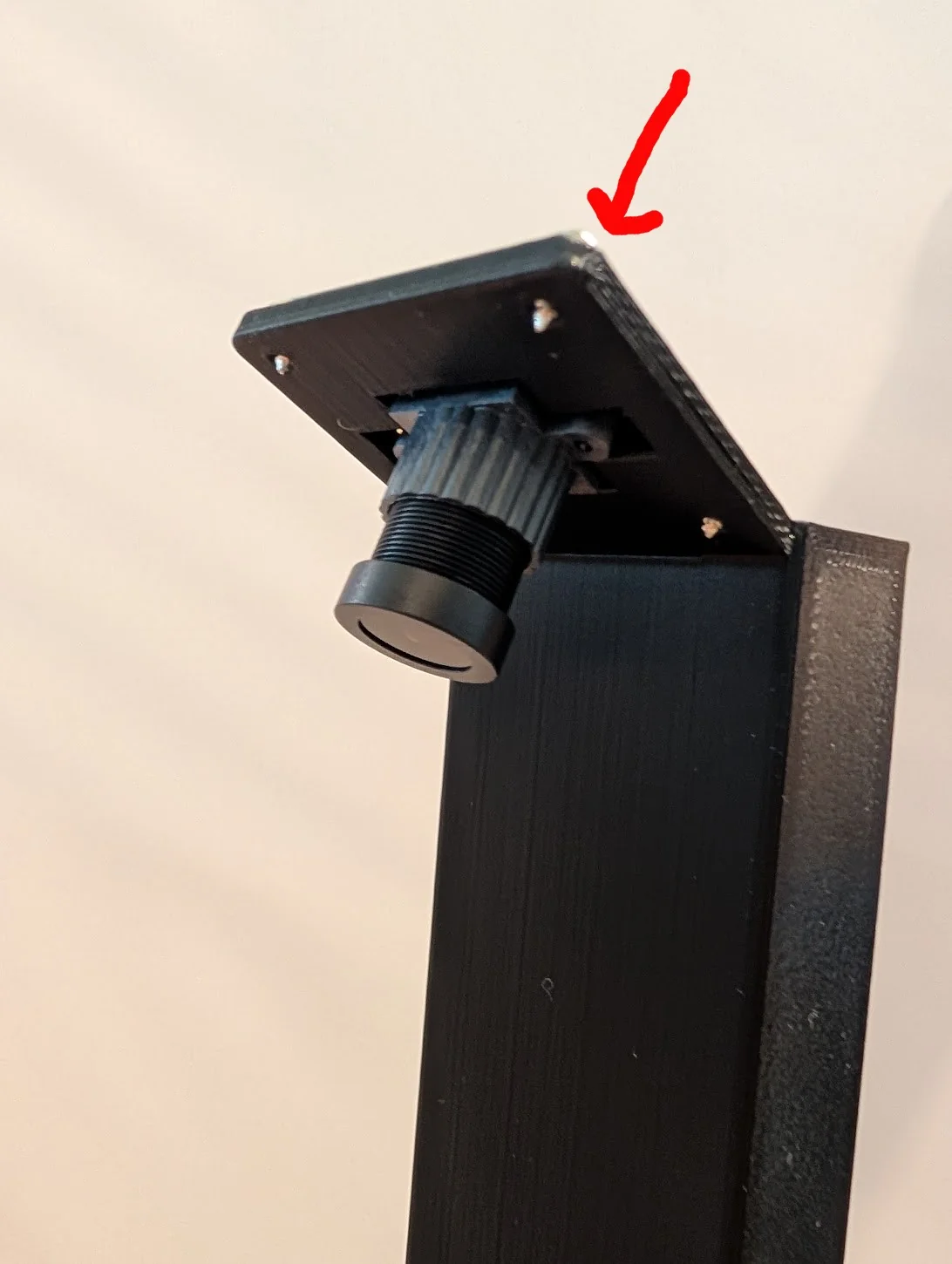
1. Attach camera to Mount Top
Push the camera lens through Mount Top and secure the module with four M2 screws.
2. Join Mount Middle and Mount Top
Push Mount Middle into Mount Top, then secure it with four screws.
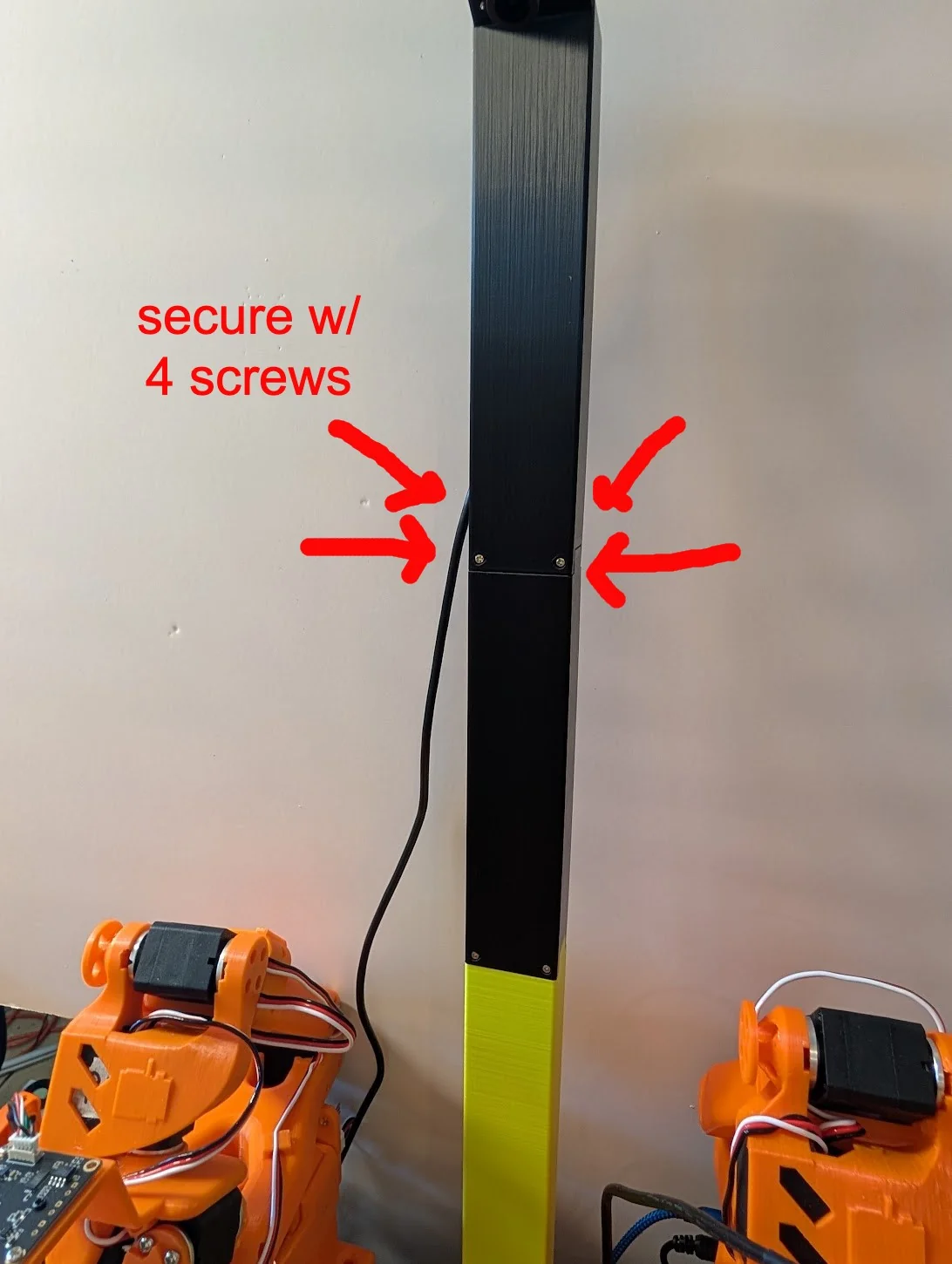
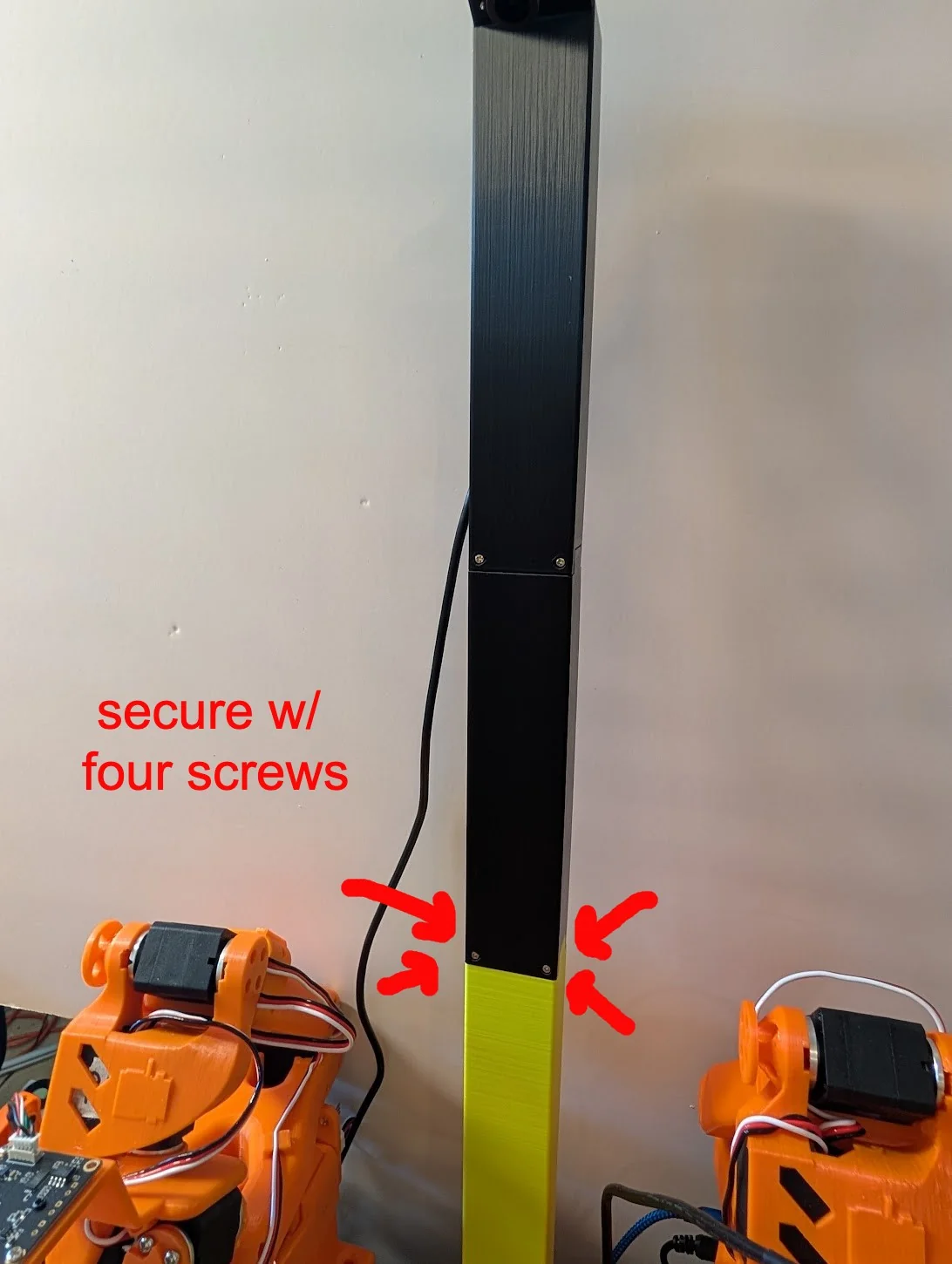
3. Join Mount Bottom and Mount Middle
Push Mount Bottom into Mount Middle, then secure it with four screws.
4. Fit the Arm Base and follower arm
- Push the Arm Base into the joint lines at the side of Mount Bottom; repeat for two followers.
- Align the follower-arm base on top. Existing clamps hold the arm and tower in the usual way.
5. Configure the camera
- Add the overhead camera in software and inspect its feed.
- Use 30 FPS and start with 640 × 480; use 1280 × 720 for a wider workspace if needed.
- Confirm the full workspace is visible before recording. The wrist-camera guide is an optional complementary view.
Attribution
Adapted from the SO-ARM100 optional camera-mount guides by Conor McGartholl and Philip Fung. The SO-ARM100 repository is licensed Apache-2.0. RobotEd is independent of the original authors.